Education that changes a life — free, and for everyone.
It isn't about degrees. It's about being able to read, write, speak, handle money, get work-ready, build digital skills, and catch up at school — wherever you are, whatever age you are. Every lesson ends with a real task you do and prove, so what you learn stays with you.
Foundation literacy & numeracy free forever; deeper diplomas are Premium £3/mo. No ads. No login needed — try a real lesson right now, in your browser. Works offline once loaded.
Prove it, then proceed.
No watching videos and hoping it sticks. You learn it, you do it for real, it gets checked — and only then do you move on. So the skill is actually yours.
A real teacher
A warm tutor voice greets you by name, teaches the lesson, and signs off — phonics, numeracy, catch-up, digital skills, each with its own dedicated tutor.
Do the actual work
Write the cover letter. Build the budget. Audit the worksite. Handle the difficult conversation — for real, not multiple-choice.
It gets checked
You can't move on until you've shown you can do it. Get it wrong? "Almost — here's exactly what to fix." Never a dead end, never "you failed".
You keep it
The things you make are saved to your Skills Passport. Finish a track for a certificate; finish a programme for a global, verifiable Diploma.
Take a real lesson — right now, in your browser.
No app, no login, nothing to install. Read a real job advert with the tutor’s voice, then prove you understood it — the same “do it and prove it” loop the whole school runs on.
Works best in Chrome, Edge, or Safari. Audio uses pre-recorded neural voice — no robot TTS.
Meet the faculty
Dedicated tutors who greet you by name, teach the lesson, and sign off the certificate — voice and warmth, not a chatbot.
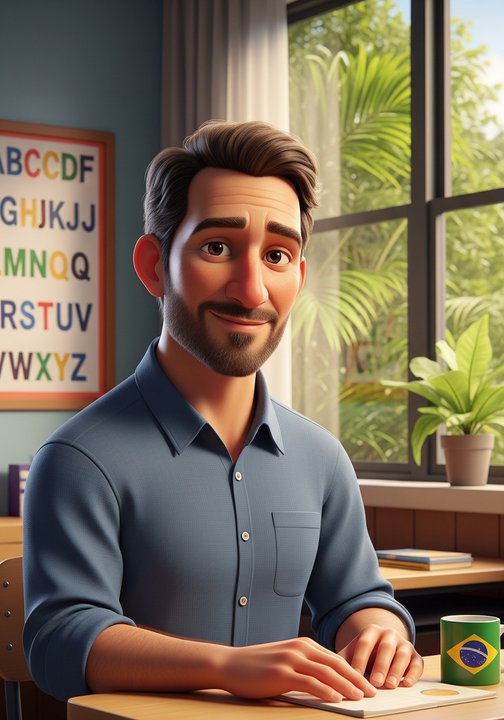
The phonics teacher with the patient voice. Teaches the 90 syllables of English so you can read a job advert, a notice, a letter — anywhere in the world.

Numbers without the fear. Counts with you, makes change with you, builds the budget with you — until the maths feels obvious.
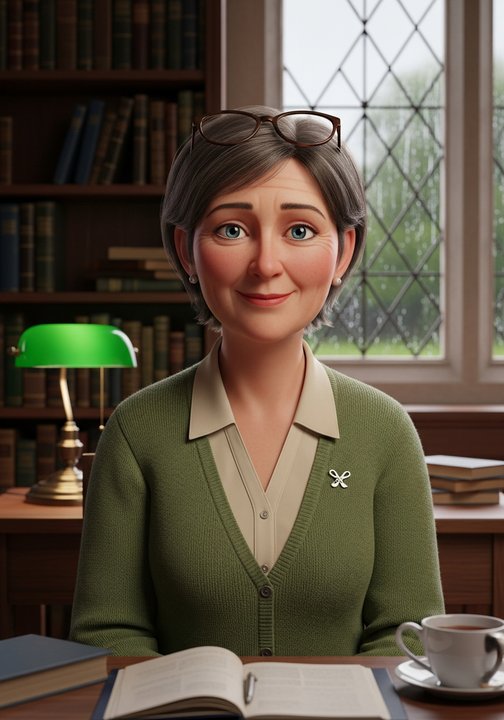
The teacher who finds where you're actually stuck — not where the class happens to be — and walks you back up, smallest step at a time.
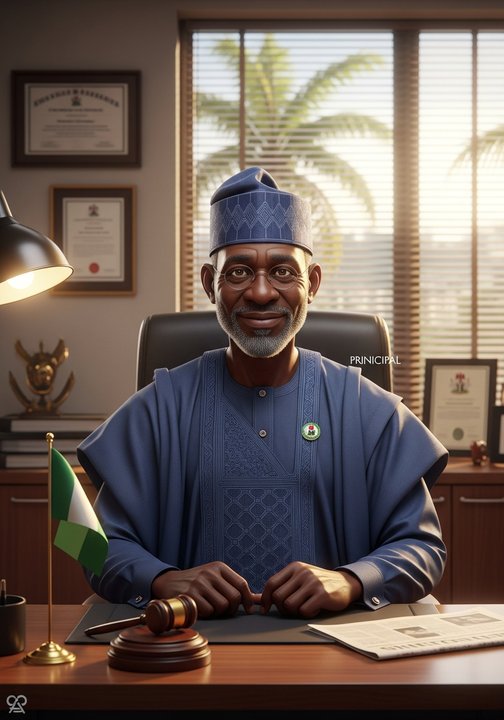
Signs every Diploma. Holds the line: prove it, then proceed — and no one gets turned away for being priced out.
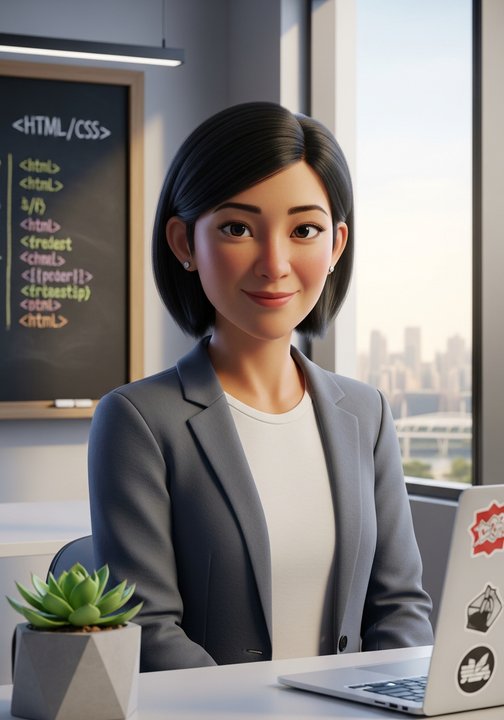
The teacher who builds it with you — a webpage, a small program, your first formatted doc. The moment you see your own page open in the browser is the moment you know you can do this.
What you can learn
More opens all the time — the full, live list (with every lesson outline) is on the courses page.

Foundations
Read, write, and use everyday numbers — the English Phonics and Numeracy tracks anyone can start today, at any age. 60 lessons, voice tutors, fully offline. Free forever.
See the lessons →
Work-Ready Diploma
Get and keep a job, know your rights, stay safe at work, handle money, and start & run a fair business — eight practice-based tracks plus a capstone, ending in a global Diploma. Premium.
See the tracks →
Digital Skills
Computer literacy, customer support, programming, and building a website — four modular tracks live now, three more on the way. Finish any four to earn the Digital Skills Diploma. For kids, teens, and adults.
See the tracks →
Catch up at school
Stuck on a subject — or told you're "dull"? Name what you're struggling with; we find the exact gap and teach it back up the smallest steps, the way that makes it click. Junior up to senior secondary. Start here →
A credential that belongs to no country — and is recognised by all of them.
Every certificate and Diploma carries a short code anyone, anywhere, can check at firstglobaledu.com/verify/… — so your work is verifiable on its own merit, no national stamp needed. Your Skills Passport keeps the proof, plus the actual documents you made along the way.
Get First Global Education
Pick whatever suits you — it's the same school, free, everywhere.
Android app
The full experience — voice tutors, offline lessons, your Skills Passport, the press-and-hold pronunciation practice.
⬇️ Download the app (.apk) →Direct download while our Google Play listing is in review — all install options.
Install on your computer
Prefer it as software on Windows, Mac, or Linux? Install this site as an app — it gets its own window and a Start-menu / Dock icon. No download, no app store, and nothing for Windows to warn about, because there's no installer to run.
Chrome/Edge: the install icon in the address bar, or menu → "Install First Global Education". iPhone/iPad (Safari): Share → "Add to Home Screen".
Just use the website
Nothing to install at all — browse the pathways and read the lesson outlines right here in your browser.
Open the courses →One school. Every learner. Premium-feel without the premium price.
Foundation literacy & numeracy free forever; the full school — Work-Ready Diploma, after-school Catch-Up Tutor, every language pack, offline — is £3/month. Built so a person with a borrowed phone in any country can read, work, and prove it — and walk away with the credentials and the documents to use.